
Welcome to Satellite Radio Guide
Satellite Radio Guide
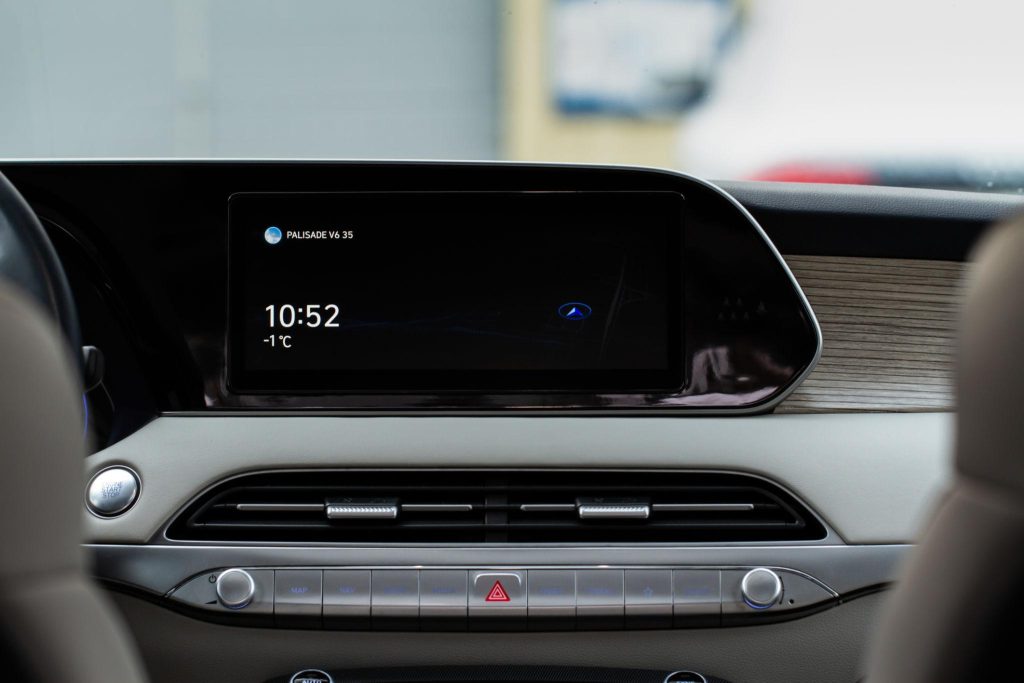
Satellite radio has transformed the way people enjoy entertainment, news, music, sports, and talk programs while traveling or relaxing at home. Our website is dedicated to helping users understand, set up, and troubleshoot satellite radio systems through easy-to-follow guides and practical information.
Whether you are completely new to satellite radio or looking for help with installation, activation, signal improvement, or audio settings, our platform offers detailed resources designed for beginners and experienced users alike.
We focus on providing clear and user-friendly information that makes the setup process easier and helps users get the best listening experience possible.
Understanding Satellite Radio
Satellite radio is a wireless broadcasting technology that delivers audio content through satellites instead of traditional local radio towers. This allows listeners to access a wide range of channels across long distances without relying heavily on local signal coverage. Unlike traditional radio systems that may lose signal during travel, satellite-based broadcasting provides broader coverage and more stable audio quality in many regions.
How Satellite Radio Works
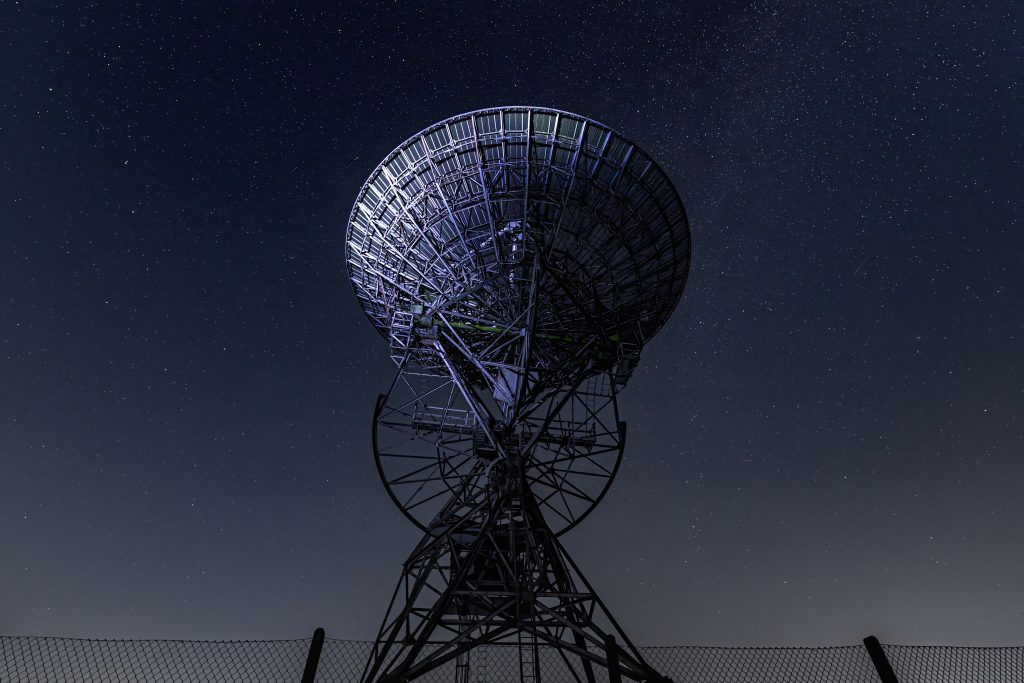
Satellite radio broadcasts digital audio signals from satellites in space to special receivers on Earth. The signal is transmitted from a broadcast center to satellites, then sent back to receivers in cars, homes, or portable devices. It provides wide coverage, clear sound quality, and many channel options compared to traditional AM/FM radio.
Basic System Requirements
To use satellite radio, users need a compatible receiver, an antenna, a power source, and an audio output device such as speakers or headphones. Most services also require a paid subscription for channel access. A stable installation and proper device setup help ensure smooth and uninterrupted listening.
Different Receiver Types
Satellite radio receivers come in several types including in-dash car systems, plug-and-play receivers, home receivers, portable handheld devices, and internet-enabled hybrid receivers. Each type is designed for different listening environments and convenience needs.
Signal Reception Basics
Satellite radio works best with a clear view of the sky because signals travel directly from satellites to the antenna. Tall buildings, tunnels, mountains, or severe weather may temporarily interrupt reception. Proper antenna placement improves signal strength and stability.
Easy Setup and Installation Guides
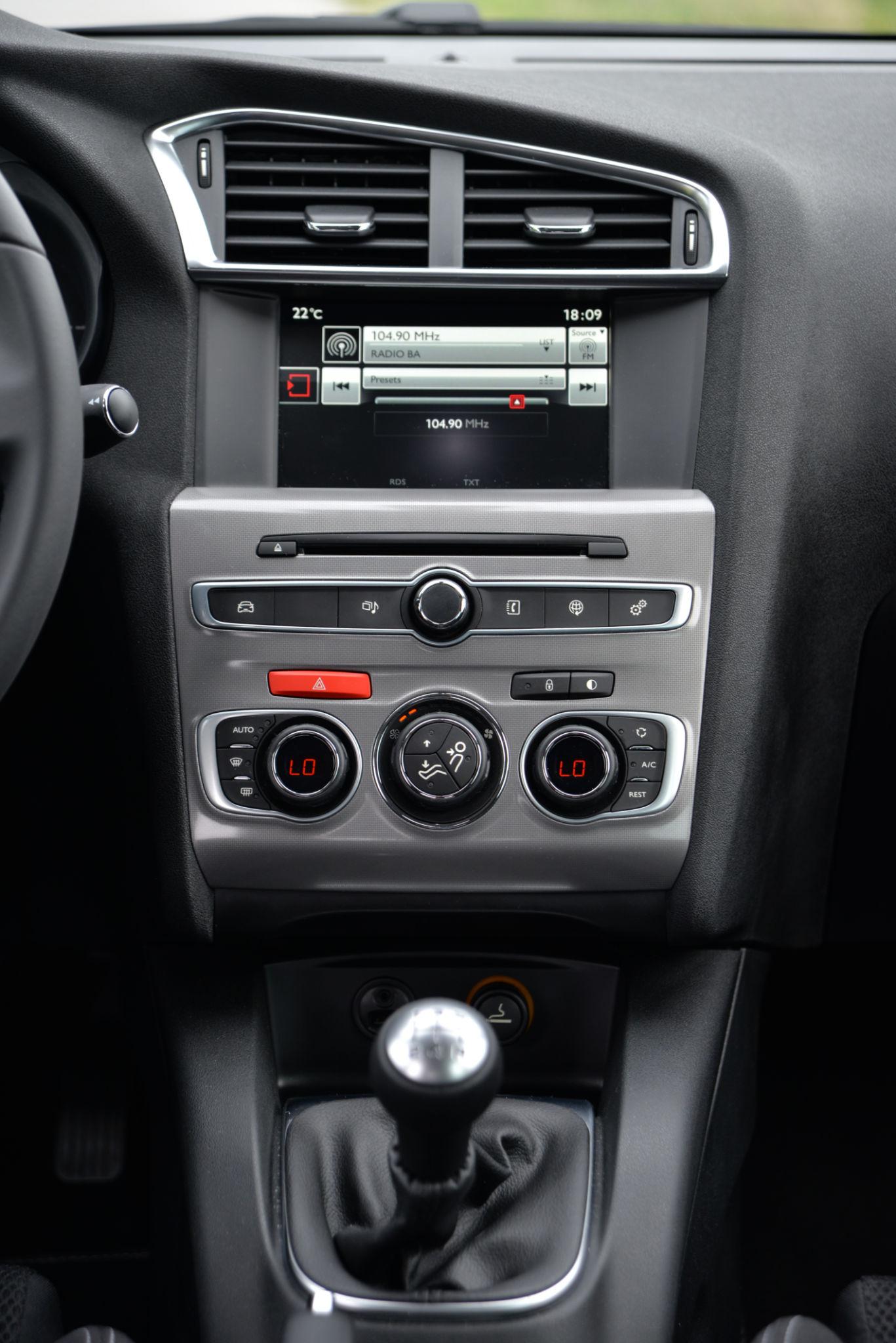
Setting up a satellite radio receiver can sometimes feel confusing, especially for first-time users. Our website provides step-by-step setup instructions to make the installation process smoother.
Topics include:
- Receiver installation basics
- Vehicle connection methods
- Home audio integration
- Antenna positioning tips
- Power and cable management
- Audio optimization guidance
Each guide is written in simple language and organized clearly to help users avoid common mistakes during installation.
Troubleshooting Common Issues
Many users experience occasional problems such as weak signals, audio interruptions, activation errors, or connectivity issues. Our troubleshooting section is designed to help users identify and resolve these issues quickly.
Common problems we help with:
- Signal interruption
- Receiver not responding
- Poor audio quality
- Antenna placement issues
- Connection failures
- Setup configuration errors
We provide practical troubleshooting steps that users can follow without requiring advanced technical knowledge.
Improve Your Listening Experience
Satellite radio can provide a high-quality entertainment experience when properly configured. Our platform includes useful tips to help users enhance their overall listening setup.
Helpful recommendations include:
- Proper antenna positioning
- Best audio settings for clear sound
- Organizing channels efficiently
- Reducing interference
- Improving in-vehicle sound quality
- Creating comfortable listening environments
Our goal is to help users enjoy consistent and reliable audio performance.